User Group Creation
Created users need to be part of a User Group. All users with similar privileges should be in the same User Group.
To create a User Group:
- Navigate to Users > Users.
- Click the +Add button and select Add Group.
- Enter the group name and description.
- Assign the group users and the group manager(s). (In assigning users that support multi-select actions, the entire list can be added with the "Select all" option. When the items you want to remove exceed 3, the remaining ones can be displayed as +x. Selected items can be filtered and deleted with clear filtered, and all selections can be cleared with clear all.)
- Click the Next button.
- If the group will have permissions, set group type, Tacacs access, or password lifetime.
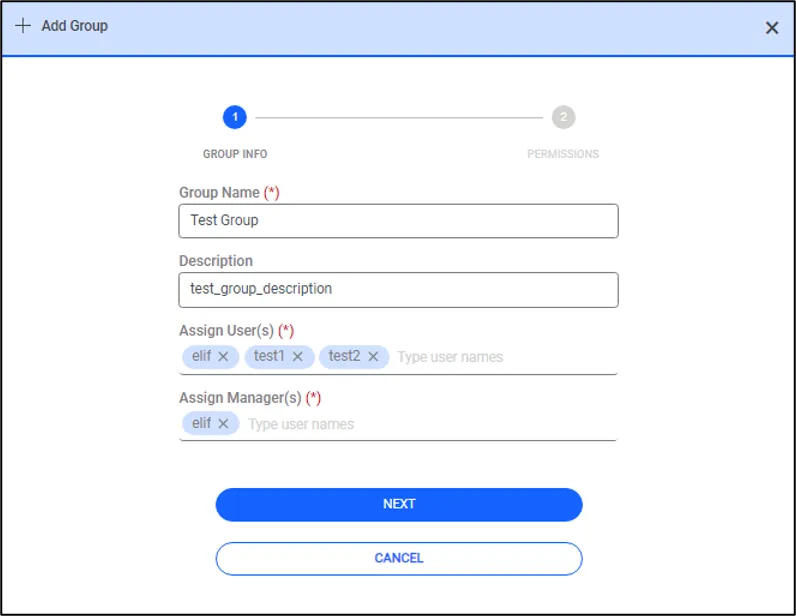
User Group Creation
When a user logs in to Kron PAM, the menu screens to be used are not displayed if there is no defined Portal Functions Realm for the user’s User Group(s).
After creating the User Group, the Portal Functions Realm should be defined with the created user groups so that users can access the required menu screens. See also section Menu Lists Management.