Selection Action Menu
In the search results, an options button is located on the right side. When clicked, it opens a menu with available actions for that row item.
For example, on the Users page, let's filter the users by username starting with end-user. We fill Username = enduser and enter it. The results will be shown in the bottom. We now select a user and click on the green arrow-shaped option menu button. In this menu, we can edit, delete, or change the user's properties.
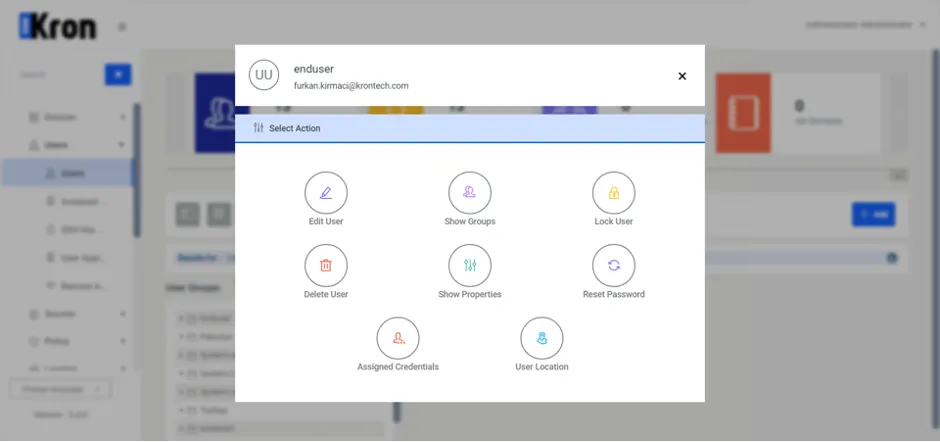
Action Menu