License Manager
The Kron PAM License Manager enables the software licensing model based on device count, user count, admin count, and MFA user count. The maximum number of tenants can be selected within the license. In case the number of Tenants exceeds the license, the creation of new tenants is prevented.
Authorized users can access the License Manager to display license limitations by logging in to the Kron PAM Web GUI:
- Navigate to License Manager.
- Display the valid license limitation.
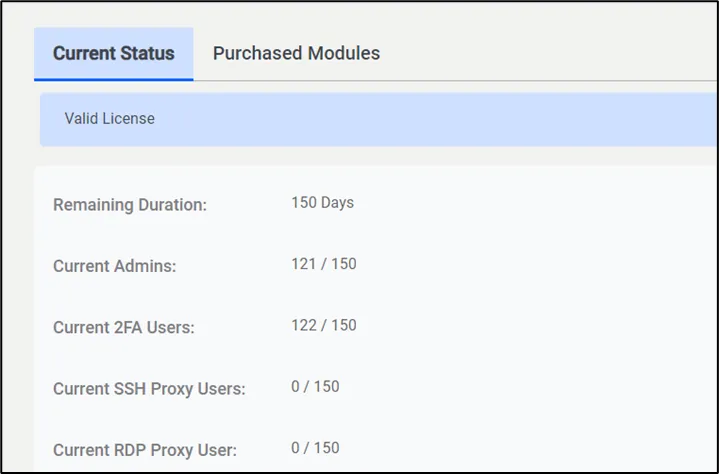
License Manager