Enabling a Tenant
The system administrator can enable previously disabled tenants:
- Navigate to Administration > Tenant Manager.
- Click the logo of the tenant to be enabled.
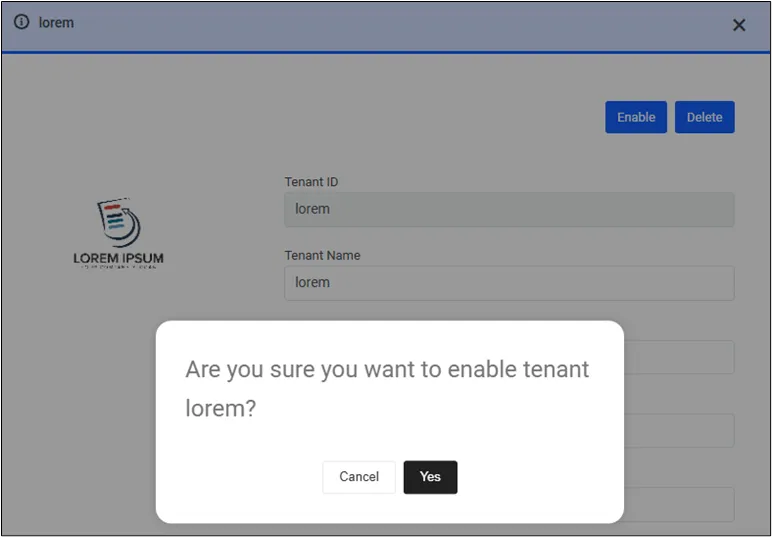
- Click the Enable button in the upper right corner.
- Click Yes to confirm the action.
The tenant will be listed among the active tenants once more. Their licenses will be reassigned with the previous values.