Bulk Data Type Import
Data Types can be defined using the bulk import feature to allow more varied data discovery.
- Navigate to Sensitive Data Discovery.
- Open the Data Types tab.
- Click the Add button, and inside the pop-up select the Bulk Import Pattern.
- Click the Download Template link to create a bulk pattern list.
- Fill in the downloaded Microsoft Excel file template with the pattern list and save it on the local computer. Drag the Excel file into the area. Then click Import.
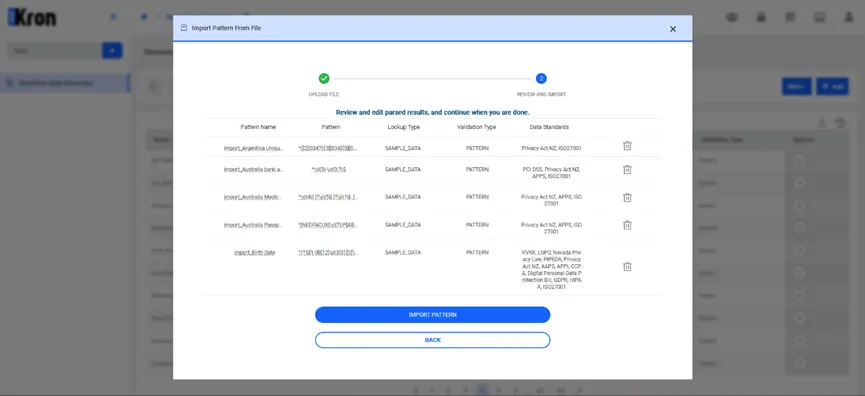
- Select the pattern list file and click Import Pattern.