Adding a Vault Account to a Group
Once a Password Vault Group is created, individual accounts can be added to the group. They can be added to accounts from the Vault screen.
- Navigate to Secrets > Vault.
- Open the Vault tab.
- Right-click the desired group in the tree.
- Select the Add Account option from the menu.
- Write the name of the account.
- Click Save.
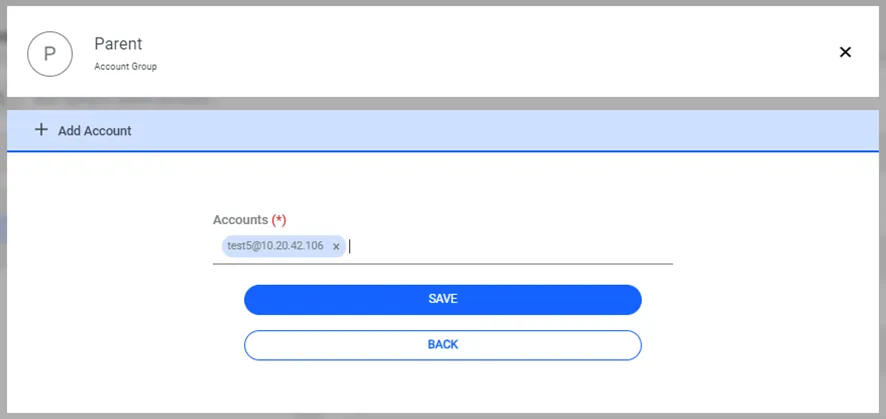
Adding Password Vault Accounts to SAPM Groups
Alternatively, accounts can be added to groups from the account edit screen.
- Navigate to Secrets > Vault.
- Open the Vault tab.
- Edit the desired Password Vault account.
- Select the Group Name from the auto-complete box.
- Click Save.
If the sapm.group.required parameter is defined, The Add Account option will not appear since each account will be in a group.