Kron PAM Web GUI
Privileged users can use the Kron PAM Web GUI to connect to devices they have access to from their portal functions (i.e. Device Management).
To establish an RDP connection from the Kron PAM Web GUI:
- Navigate to Devices > Inventory on the Kron PAM Web GUI.
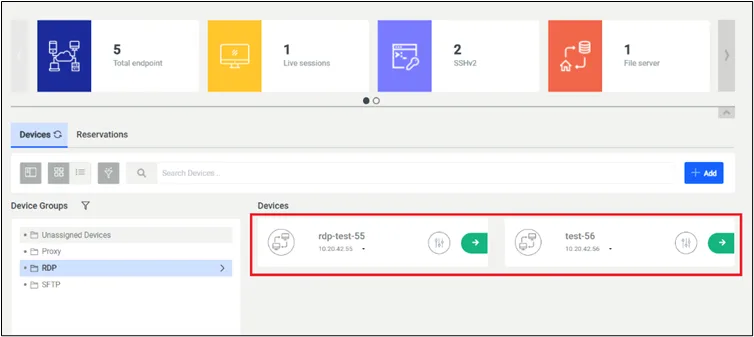
- Use the right panel, and search for the Device to Connect to.
- Choose the desired device and select the Green tab to establish an RDP session.