RDP Session Count Limit Settings
The number of simultaneous sessions of users using RDP Proxy can be limited. In this way, the number of concurrent sessions of a user group can be controlled.
To set a time limit:
- Navigate to Users.
- Click the desired User Group options, then click the Edit button.
- Click the Custom Properties button section.
- Add the SimultaneousSessionLimitRDPProxy property with the value of session limit count.
- Save property and save user group.
When sesison lmit exceed, the warning message is appeared on RDP Proxy connection screen.
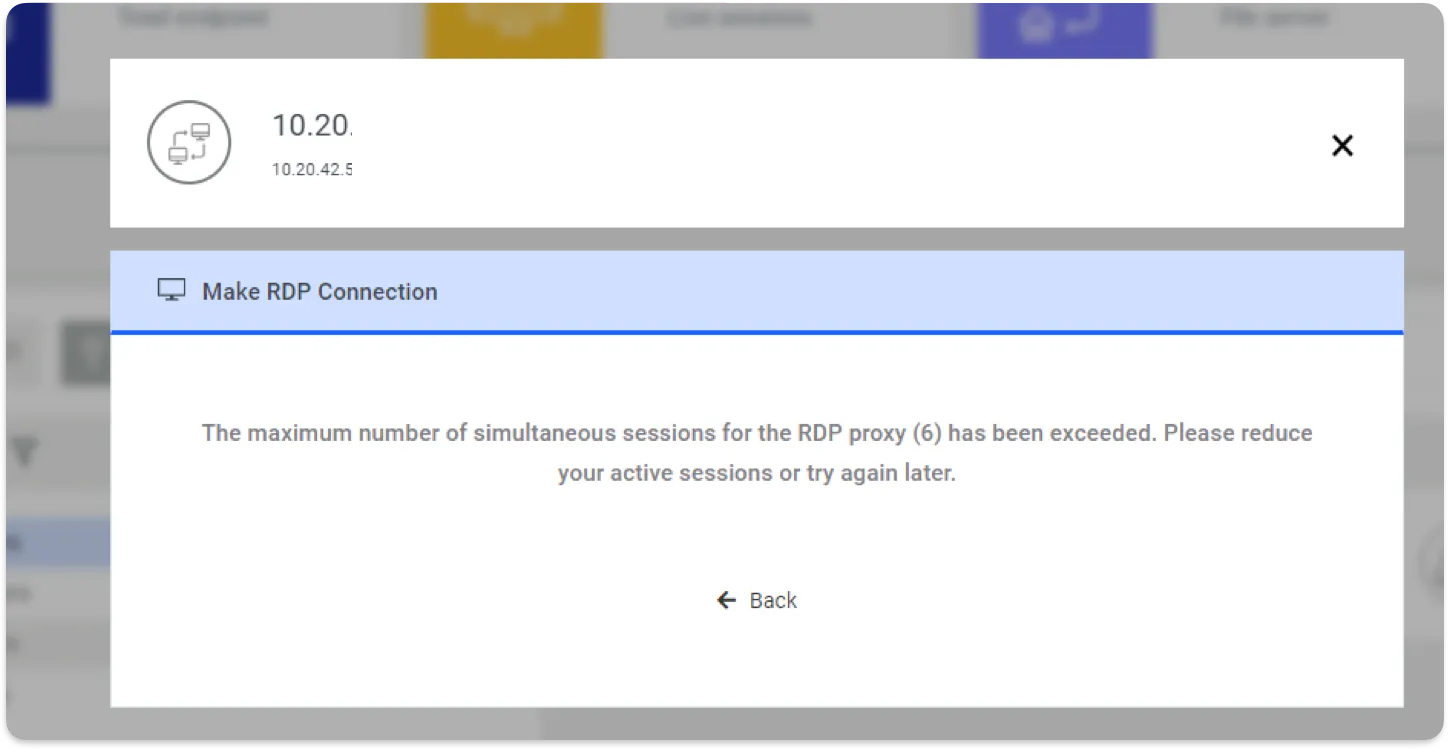
RDP Simultaneous Session Exceeded Message