Assigning Hardware Tokens
Users can assign tokens that have not been assigned before. User access to this menu should be restricted by the portal functions rules.
To assign hardware tokens:
- Log in to the Kron PAM Web GUI.
- Navigate to Administration > Multi-factor Authentication.
- Click on to Add Button and select Assign Hardware Token.
- Enter the serial number of the hardware token.
- Save the configuration.
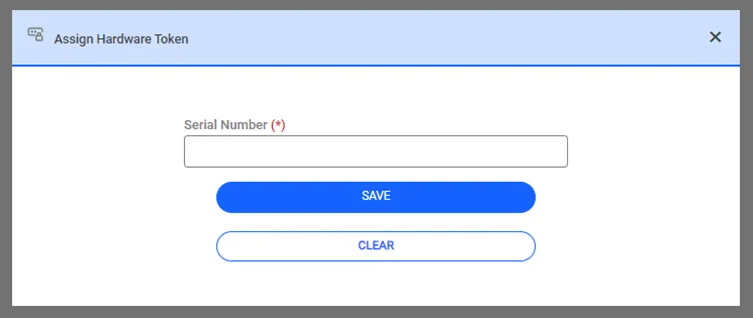
Assign Hardware Token.