Limiting Applications on Windows RDP Devices Settings
3 min
Kron PAM can limit the applications that can be accessed in a Windows device session. It is possible to set permissions for Device Groups for each application so that only limited applications can be run by the user. To adjust allowed applications on a Windows server, follow the steps below. In this example, the user is only allowed to use Google Chrome Web Browser. To configure the allowed application path:
- Navigate to Administration > Remote Desktop App.
- Fill in the Application Name and Path fields.
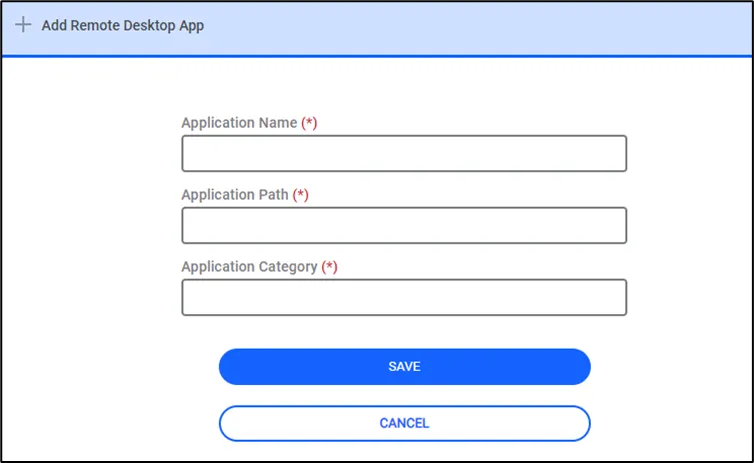
Remote Desktop App
To select the allowed applications from the Device Group tab:
- Navigate to Devices > Inventory > Device Groups.
- Choose the desired Device Group and select Remote Apps.
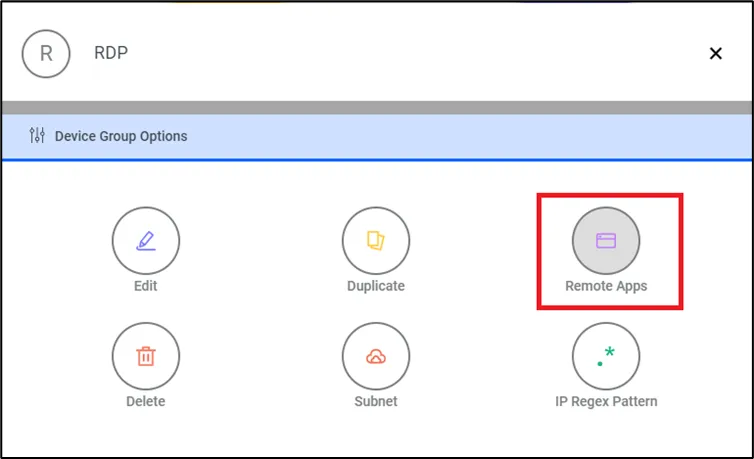
Allow Remote App
- Select which application will be allowed for the devices in this device group.
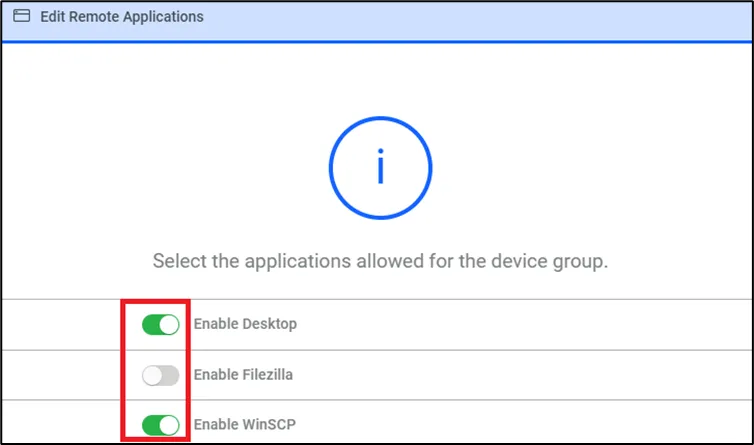
Allow Remote App from Device Properties
If the application’s path is different from the path defined in the Administration > Remote Desktop App configuration above, change the path on the device.
- Navigate to Administration > Remote Desktop App.
- Choose the Options of the desired Remote Application.
- Choose the Edit Remote Desktop App option.
- Add/Edit the application’s name and path.
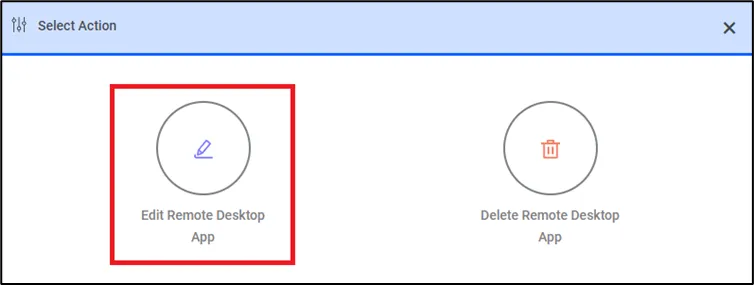
Add/Edit Remote Apps