Creating User Groups
1 min
Kron PAM users need to be in a user group. To create a user group:
- Navigate to Users > Users.
- Click the blue Add button and inside the pop-up select the Add Group button.
- Enter the Group Name and select the desired users to be added to the group.
- Skip the Next permissions. (It is not essential for SQL Proxy setup)
- Click Save.
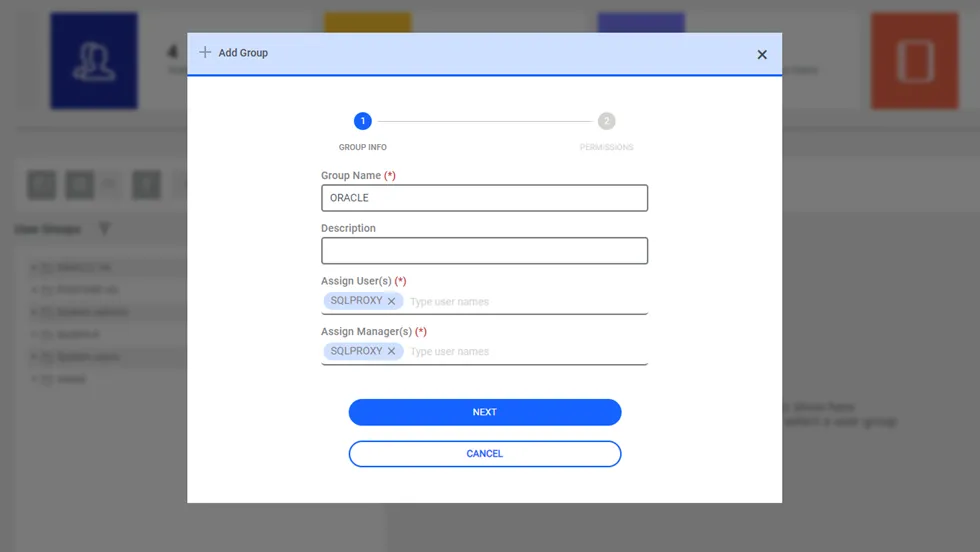
Creating User Groups