Main Pane Search Function
All recently viewed sub-functions will be displayed as icons in the Main Pane. Selecting an icon will open that Sub Function’s page as a new tab in the Main Pane. Selecting a Sub Function from the Navigation Pane will have the same result, opening a page as a new tab in the Main Pane. Subfunctions can also have their own tabs. Let us have a look at an example, to understand the concept better:
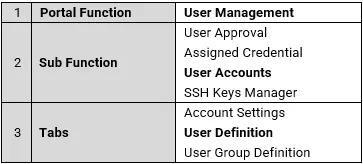
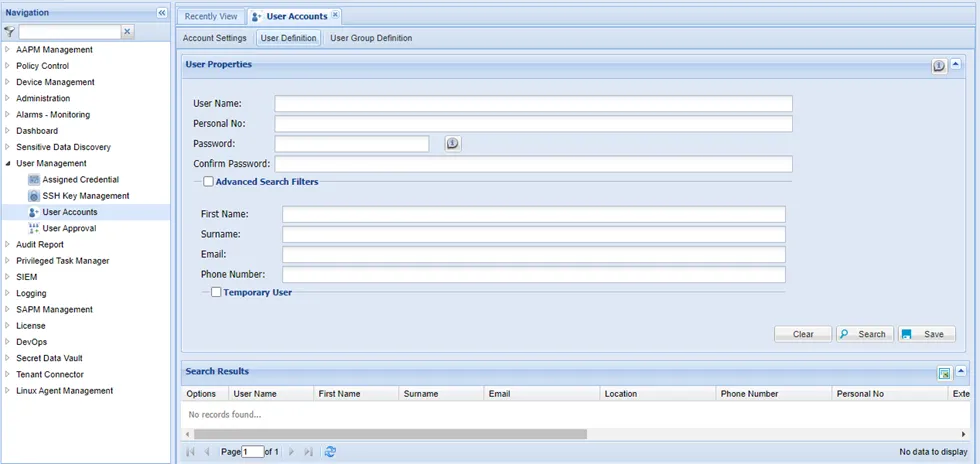
Most sub-function tabs have a search and save option. The same fields can be used to search or save an entry.
Filling in related criteria and clicking the Search button will generate a filtered search. If no criteria are provided, the resulting search will include all the entries. Filling in the related text boxes and clicking Save creates a new entry.