Manage Web Service Accounts with API
This section describes how to integrate with Kron PAM using all API methods.
Restful API or SOAP API is used to integrate with Kron PAM. Requests sent in both methods are prepared according to Kron PAM's guidelines, and the functioning of these methods should be determined according to Kron PAM.
Login API Method
The credentials that Kron PAM will access in the login phase must be provided. The user that is provided for access must be defined under SAPM, and then a secure access request must be sent through this user.
The Post Method is used during the login phase. The URL information to be sent by the provider must be transmitted. The token, which is accessed after the request, is saved to be used in other API methods.
Login User and Password values should not be included in the login URL. This information should be written in the Body part.
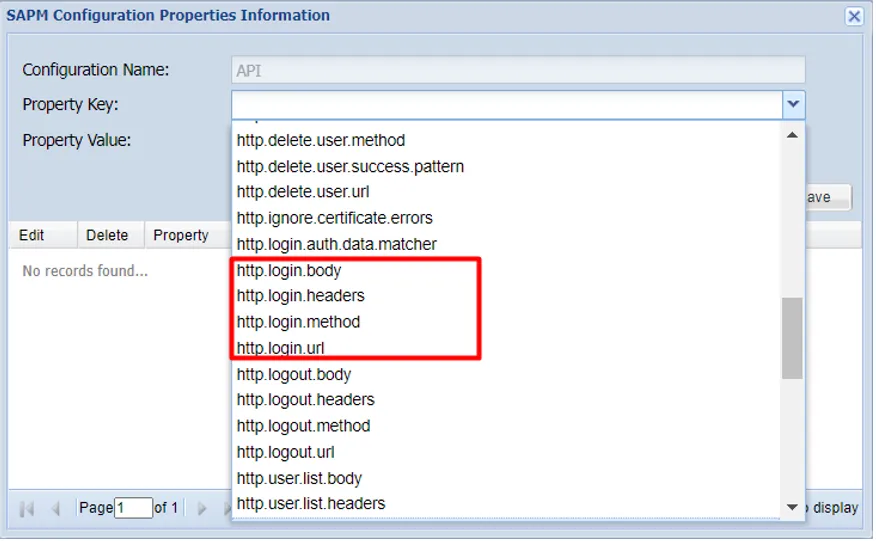
Parameter Name | Description |
|---|---|
http.login.url | HTTPS://Server_IP/LoginUserURL |
http.login.method | POST |
http.login.headers | Post, Host, Content-Type |
http.login.body | Username, Password |
The login user’s password value is stored encrypted in Kron PAM.
Request / Response Example
Request
Method | URL |
|---|---|
POST | api/login/ |
Type | Params | Values |
|---|---|---|
HEAD | Content-Type | application/json |
BODY | username | ${authUsername} |
BODY | password | ${authPassword} |
Response
Status | Response |
|---|---|
200 | OK |
401 | {"error":"Unauthorized."} |
500 | {"error":"Something went wrong. Please try again later."} |
Authentication Data Matcher
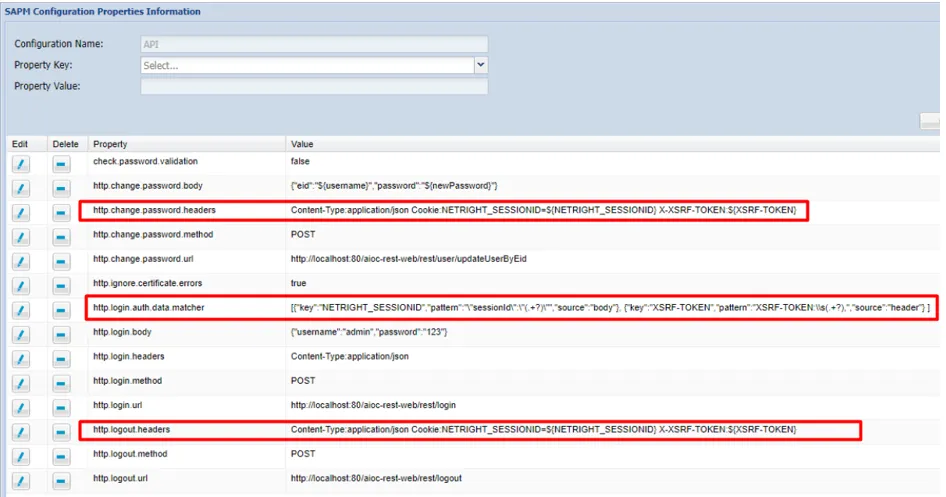
Authentication data matcher allows using variables in different methods. To do so, you define the key values as well as the key sources. By default, Authentication Data Matcher takes source body values.
Parameter Name | Value |
|---|---|
http.login.auth.data.matcher | [{"key":"key1", "pattern":"key1:\\s(.+?),", "source":"header"},{"key":"key2", "pattern":"key2:\\s(.+?),", "source":"body"}] |
Change Password API Method
Access token value responded from the Login API method is taken and used in the body part of the Change Password API.
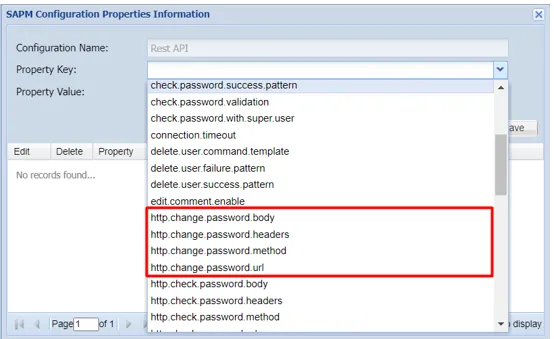
Parameter Name | Value |
|---|---|
http.change.password.url | HTTPS://Server_IP/ChngPasswdURL |
http.change.password.method | POST / PUT |
http.change.password.headers | Post, Host, Content-Type |
http.change.password.body | Access Token and other information |
The user information whose password will be changed is defined on the SAPM screens, and these values are added to the Body for the Change Password API. The passwords of the accounts defined in SAPM are automatically reset in the specified periods.
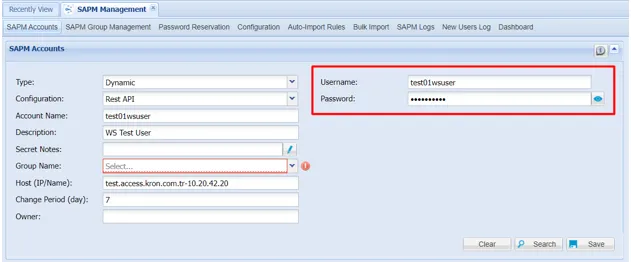
If the relevant URL access permissions are given, all user passwords can be changed with the superuser, so users won’t need to change their passwords.
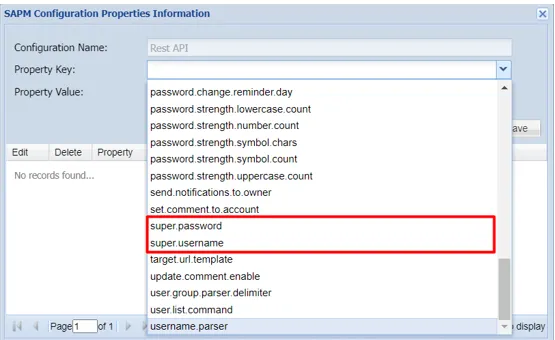
Parameter Name | Description |
|---|---|
super.user | Privileged user who resets other users’ passwords |
super.user.password | Privileged user password |
change.password.with.super.user | Parameter that must be set to true to use superuser |
Check Password API Method
Account passwords defined in SAPM are checked at specified periods. As a result of these checks, the password's validity becomes final. Access token value responded from the Login API method is taken and used in the body part of the Check Password API.
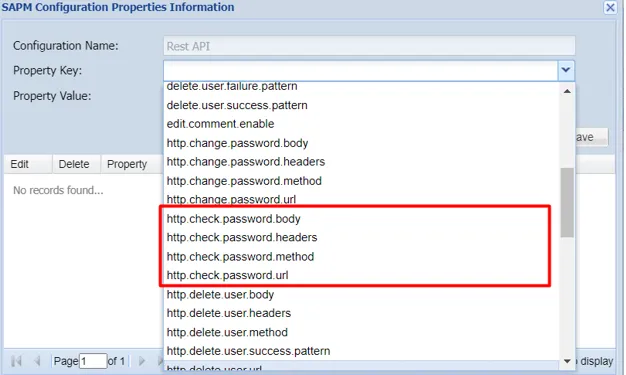
Parameter Name | Value |
|---|---|
http.check.password.url | HTTPS://Server_IP/ChckPasswdURL |
http.check.password.method | POST / PUT |
http.check.password.headers | Post, Host, Content-Type |
http.check.password.body | Access Token and other information |
Account Discovery API Method
The Account Discovery API allows discovering accounts in the App and observing any changes. Kron PAM can track the discovered accounts, and through APIs, you can take action when necessary.
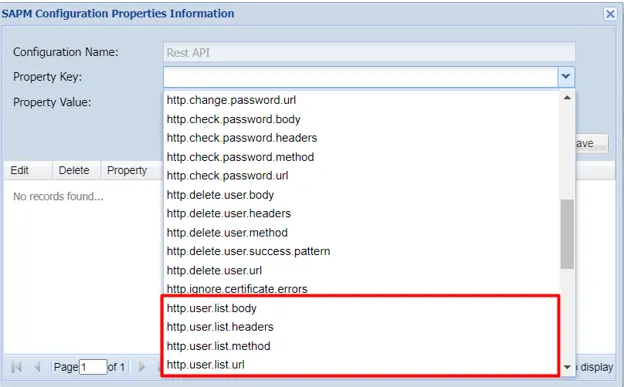
Parameter Name | Value |
|---|---|
http.user.list.url | HTTPS://Server_IP/DiscoverUserURL |
http.user.list.method | GET |
http.user.list.headers | Get, Content-Type |
http.user.list.body | Access Token and other information |
Delete Account API Method
Kron PAM uses Delete Account API to delete the accounts discovered with the Account Discovery API.
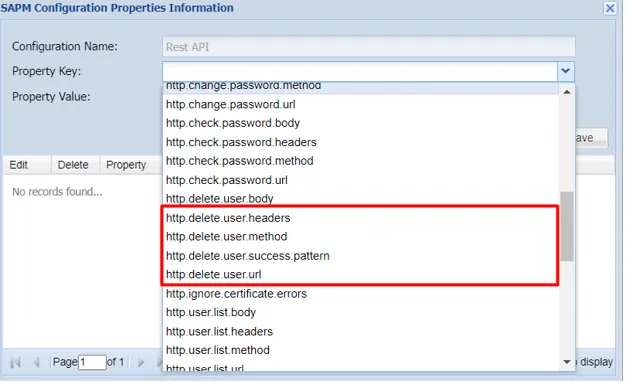
Parameter Name | Value |
|---|---|
http.delete.user.url | HTTPS://Server_IP/DeleteAccntURL |
http.delete.user.method | DELETE |
http.delete.user.headers | DELETE, Content-Type |
http.delete.user.body | Access Token and other information |
Status Code
Status Code acceptance in API Response is set by the following parameter.
Parameter Name | Value |
|---|---|
http.accepted.status.codes | Standard HTTP status codes |
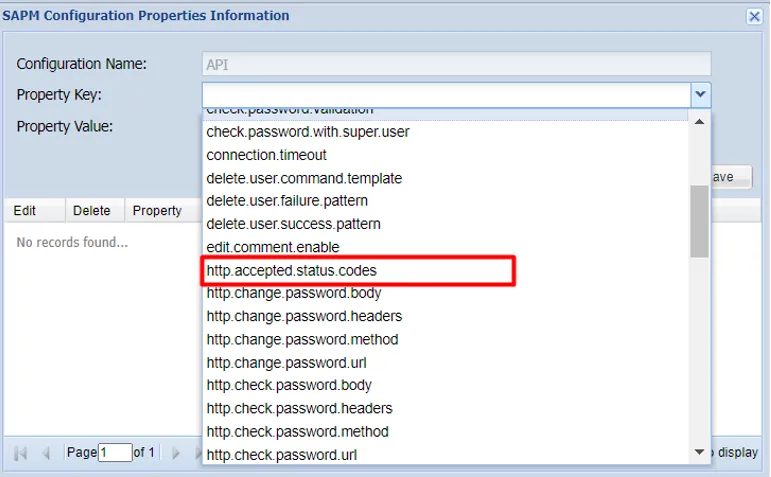
All status codes are standard HTTP status codes, and the following codes are used in this API.
- 2XX - Success of some kind
- 4XX - Error occurred on the client-side
- 5XX - Error occurred on the server-side
Status Code | Description |
|---|---|
200 | OK |
201 | Created |
202 | Accepted (Request accepted, and queued for execution) |
400 | Bad request |
401 | Authentication failure |
403 | Forbidden |
404 | Resource not found |
405 | Method Not Allowed |
409 | Conflict |
412 | Precondition Failed |
413 | Request Entity Too Large |
500 | Internal Server Error |
501 | Not Implemented |
503 | Service Unavailable |
Importing Certificate from GUI
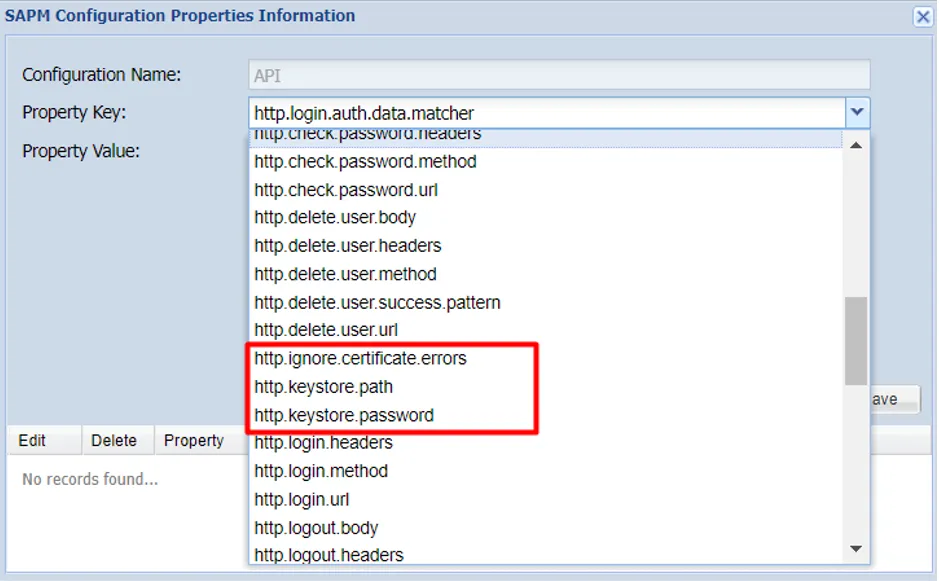
The usage status of the certificate can be parametrically set while accessing the web service. The certificate can be ignored, or the current certificate and password are entered in the GUI and saved to the database. Since the certificate value is kept in the database, it works smoothly in systems with replication.
Parameter Name | Value |
|---|---|
http.ignore.certificate.errors | true/false |
http.keystore.path | Select Certificate file |
http.keystore.password | Certificate Password |