Dynamic Password Update Flow for Privilege Escalation Accounts
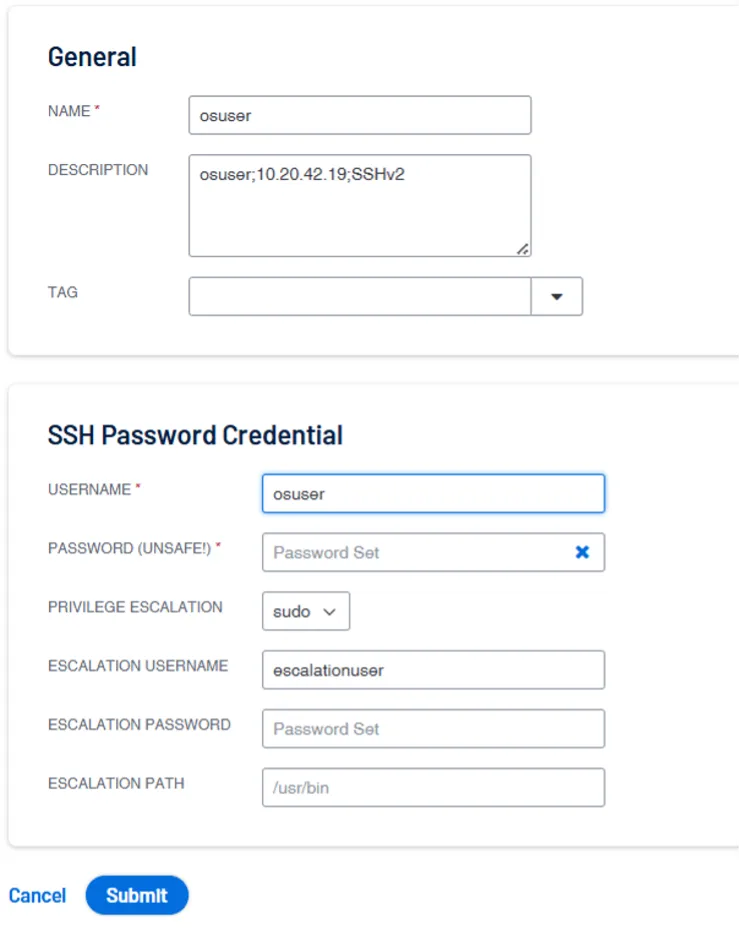
This process describes how Kron PAM Vault and Tenable Security Center (TSC) maintain synchronization for privilege escalation accounts used during authenticated scans. These accounts are employed by Tenable to elevate privileges (e.g., via su, sudo, or combined su + sudo methods) when performing deeper system-level security checks.
Password Rotation and Trigger Activation (Kron PAM Vault)
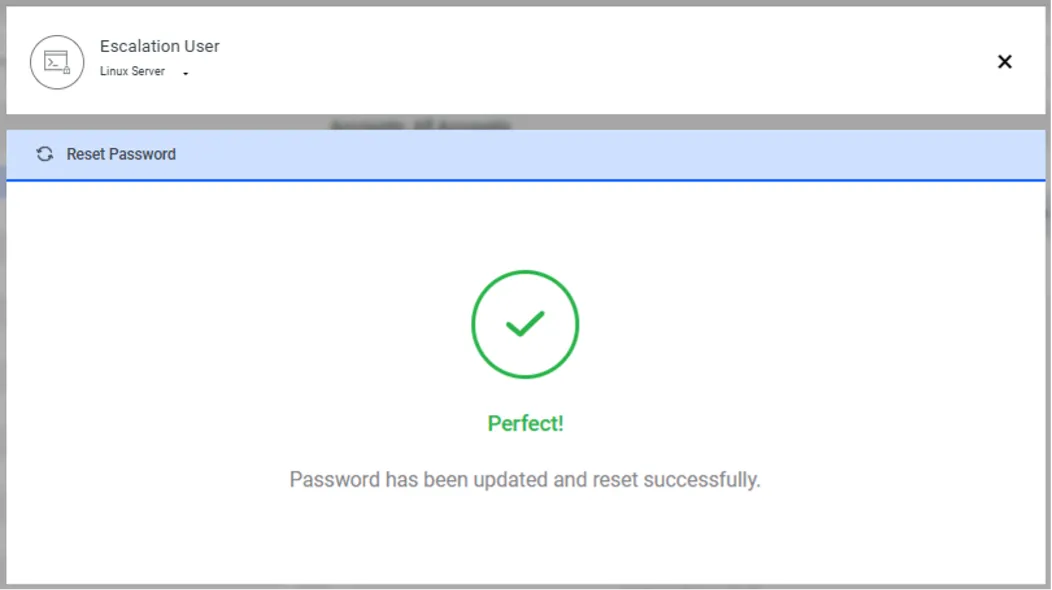
- Escalation Account Rotation
The Kron PAM Vault periodically rotates the password of the designated Escalation User account, ensuring that privileged credentials remain secure and compliant with password rotation policies.
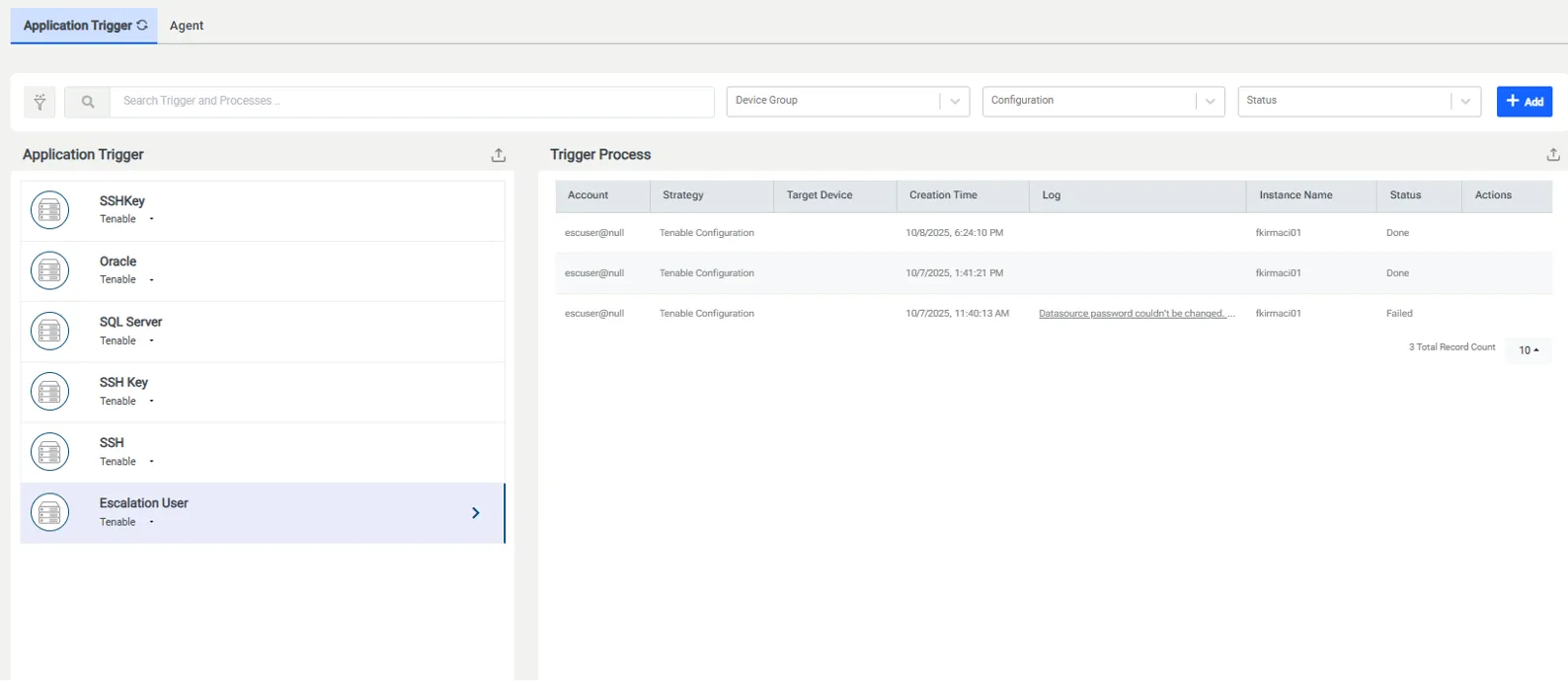
- Escalation Trigger Execution
Once the password rotation is successfully completed, the Application Trigger configured specifically for this Escalation User account is automatically activated. This trigger initiates the synchronization workflow to update all dependent credentials in Tenable Security Center.
Tenable Security Center Synchronization
- Bulk Credential Identification
The Escalation Trigger retrieves the newly rotated password from the Kron PAM Vault and performs a lookup across all Credential records in Tenable Security Center.
It identifies every Credential that references the affected account by matching the Escalation Username (ESCALATION USERNAME) field with the Vault account that was rotated.
- Escalation Password Update
For all matched Credential records, the Trigger updates the Escalation Password (ESCALATION PASSWORD) field with the new password retrieved from the Vault.
This ensures that each Credential record used for privilege elevation is aligned with the latest credentials.
- Uninterrupted Privilege Escalation
After the update, Tenable immediately uses the new password during the privilege escalation phase of all subsequent scans.
This bulk synchronization process ensures that all scans continue without interruption, even when using different initial login accounts.