Create AAPM Agent Pod
4 min
The namespace where the AAPM Agent will be installed is determined. A default namespace can be added, or a new namespace can be created and installed under it.
Inject Default Namespace
# kubectl label namespace default aapm-injection=enabled
namespace/default labeled
# kubectl get namespace -L aapm-injection
NAME STATUS AGE AAPM-INJECTION
default Active 28h enabled
kube-node-lease Active 28h
kube-public Active 28h
kube-public Active 28h
Create Kron PAM AAPM Namespace
# kubectl create namespace kron-pam-aapm
Registration Key is required for installation. A new Registration Key is created from the Kron PAM AAPM Agent screen. The agent is in the docker image. Installation is provided by downloading from Docker Hub.
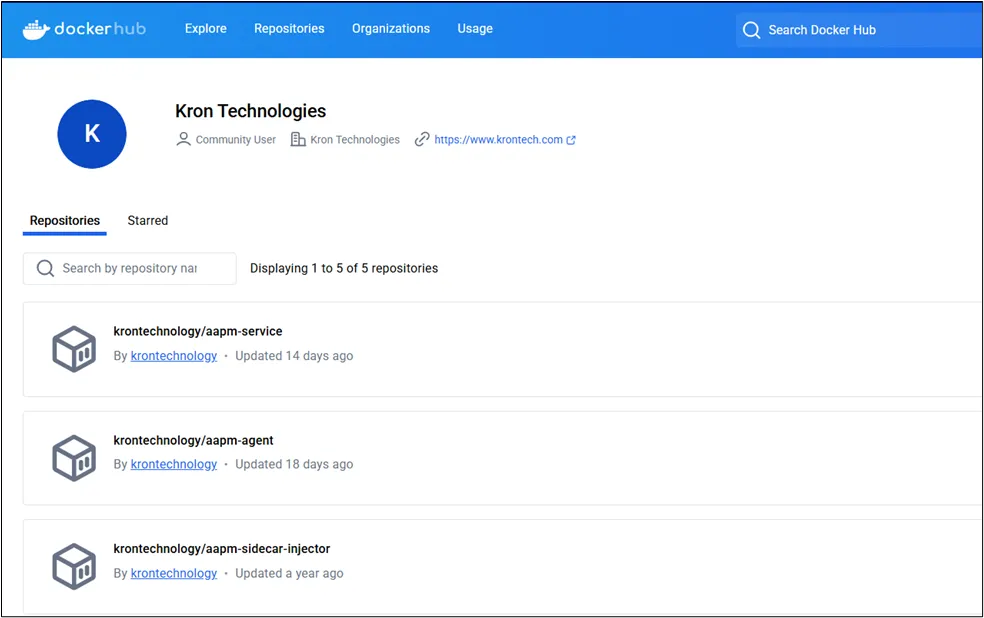
Docker Hub
# helm install kron-pam-aapm-agent kron-pam/kron-aapm-agent \
--namespace kron-pam-aapm \
--set image.tag=1.1.1_amd64 \
--create-namespace \
--set secrets.installToken="<Registration Key>" \
--set secrets.address="<Kron PAM IP Address>"
Check Helm AAPM Agent Deployment
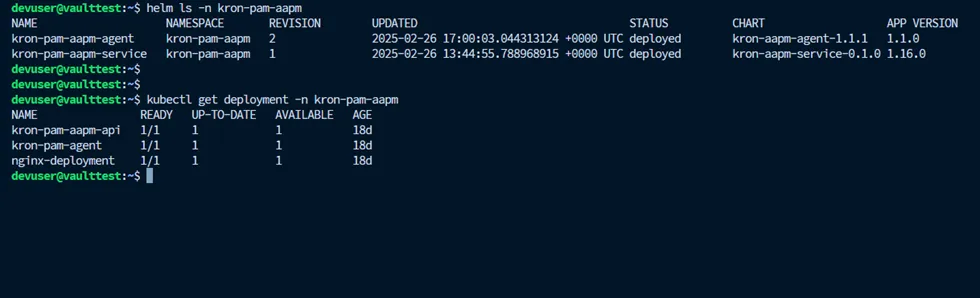
AAPM Agent Deployment
# helm ls -n kron-pam-aapm
# kubectl get deployment -n kron-pam-aapm
Check AAPM Agent Description
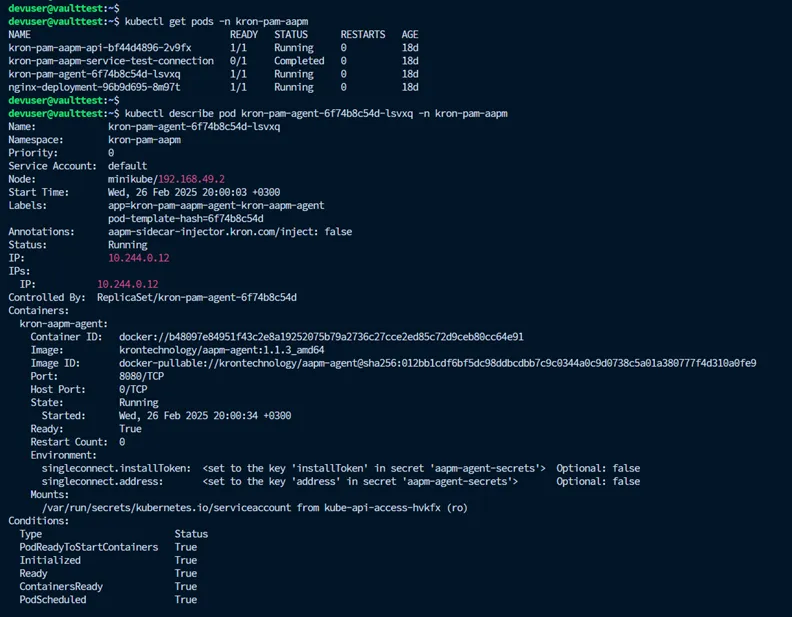
AAPM Agent Description