Add Account
1 min
- Navigate to the Secrets > Vault screen.
- Click the +Add button. This opens the Add Account window.
- Define the account details that will be managed.
- (Optional) Group application accounts under specific Account Groups for easier management via the Portal interface.
- Alternatively, use the Add Vault Account API to add accounts programmatically, enabling automated account management.
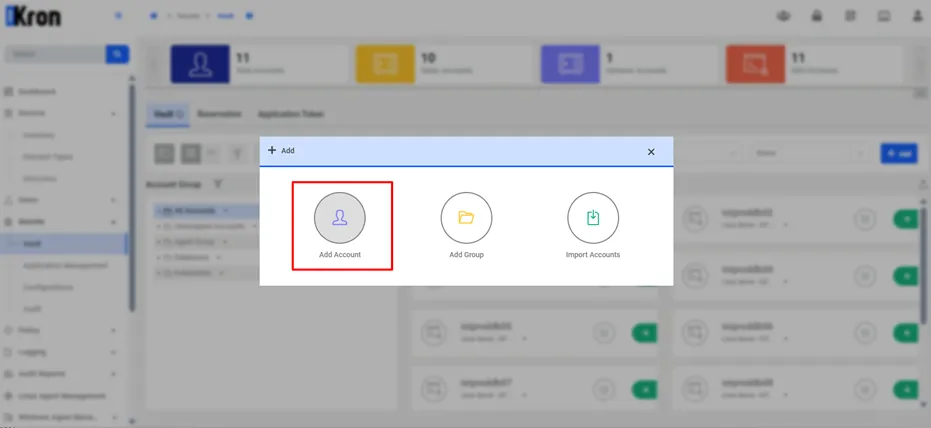
Add Account
The accounts required by the application are created based on predefined Configurations. For an application that needs access to a database user, the appropriate Database Configuration is selected, and the dynamically managed account is added according to the database account type.
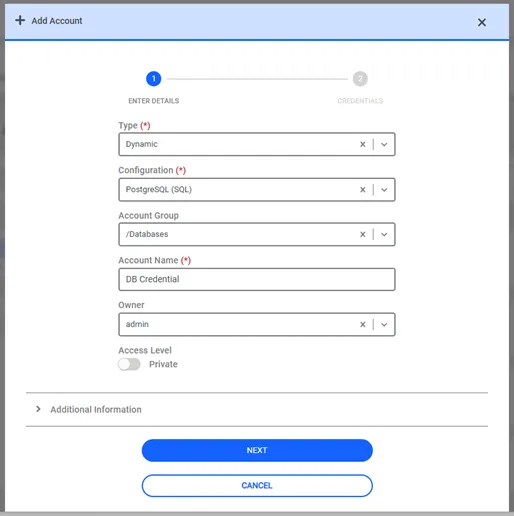
Add Account Form
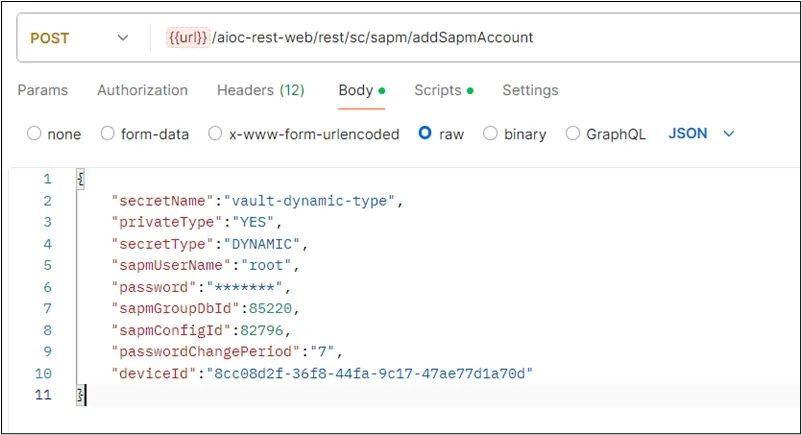
Add Vault Account API