Session Logs
Sessions logs contain the actions carried by the user in the endpoint. It displays which applications are launched and whether it was allowed, blocked, or elevated by the agent. An example of a session log is shown below. Logs can be seen on session based in the session log tab or individually in the command logs tab. Session logs or command logs can be filtered by “Windows Agent”, as other protocols may also write to these logs.
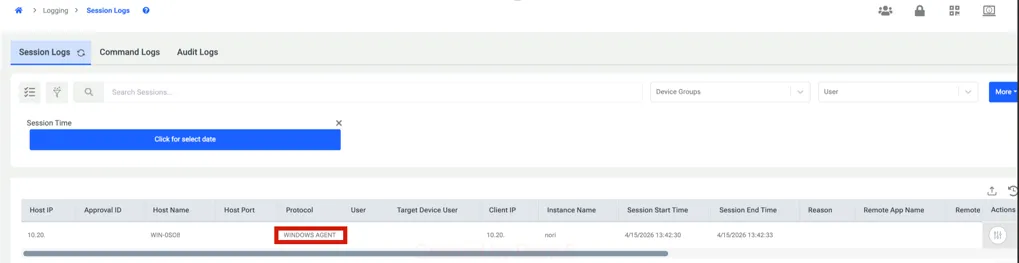
Users can access the session details by clicking the button on the right side.
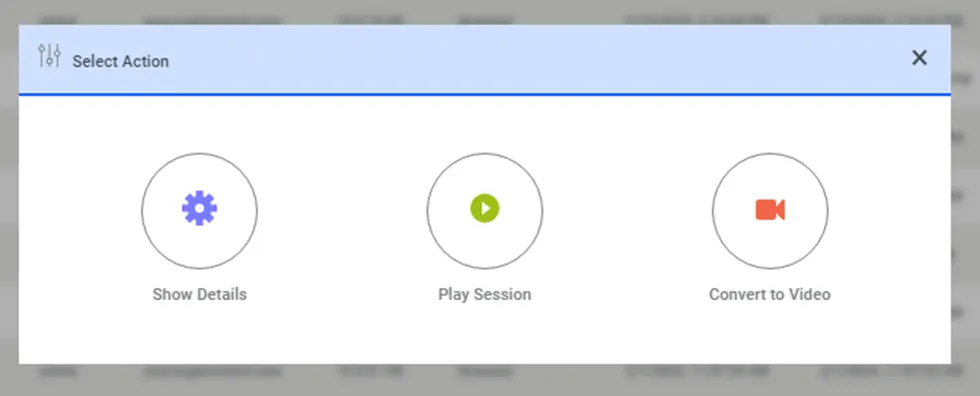
For the agent to record a session video, the “Record Session” setting must be enabled via the Agent Group. This means the setting must be applied to the agent before the end user logs in. If the setting is enabled after the user has already logged in, the video recording will not start for that session.
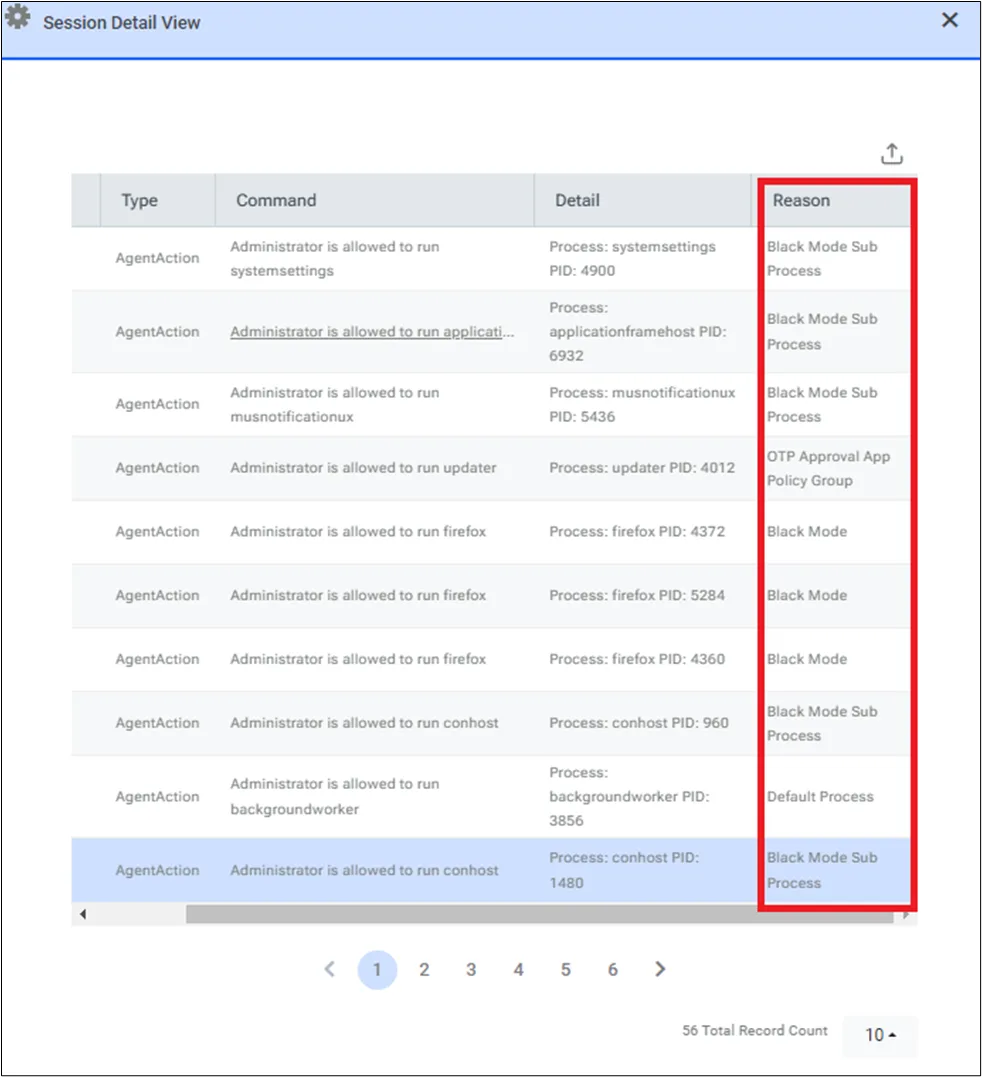
In the session log details, you can also view which rule triggered the blocking, allowing, or elevation of an application as shown above.
Additionally, details such as the hash, vendor, version, certificate hash, and more are reported to PAM. These can be viewed in the Session Log details.