Installation
, install Windows Agent (supporting Windows Server 2016, 2019, 2022, Windows 10, and 11), you need to have an installation package. Also, the .NET Framework 4.7.2 should be installed on the endpoint. To get the setup file:
Installation should be done with a user who has local admin rights.
Kron PAM’s kernel driver has not been implemented for the ARM architecture, so you should not install the agents on machines running on processors with ARM architecture.
When the installation is successful, the agent is going to take over the credential provider functionality from Windows OS, and other log in options can be disabled over Agent Group configuration to make sure that the agent is the only credential provider for Windows login operations. Local Accounts are not going to be queried about on Kron PAM, and their authentication will be done by Windows locally. AD accounts will be referred to Domain via the agent.
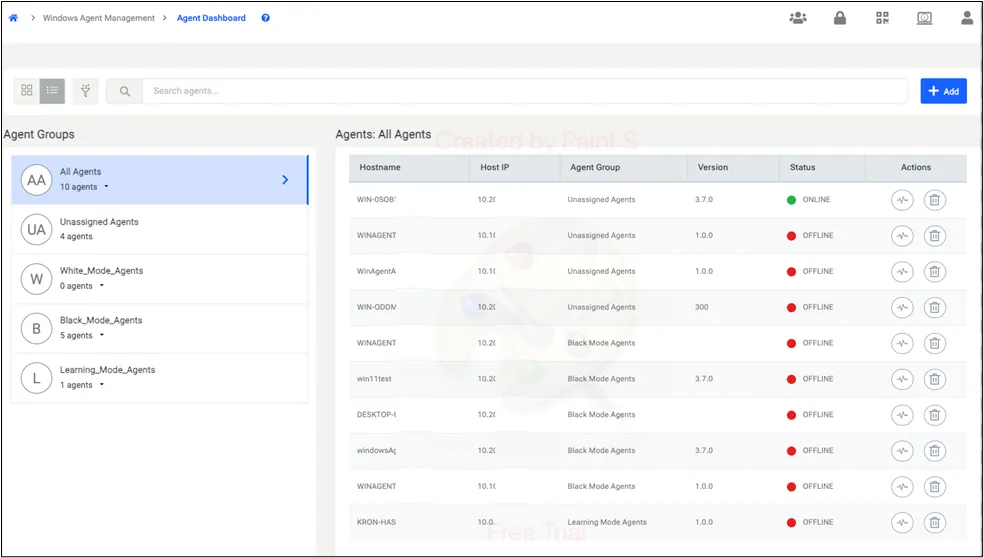
- Navigate to Windows Agent Management and Agent Dashboard, then click the Add button.
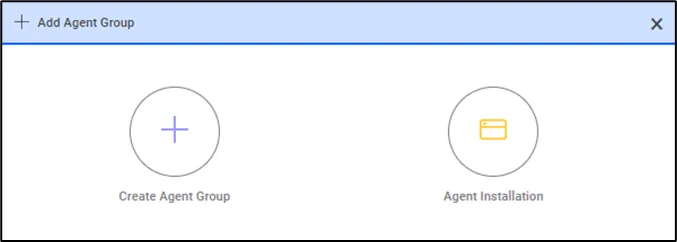
- Click Agent Installation.
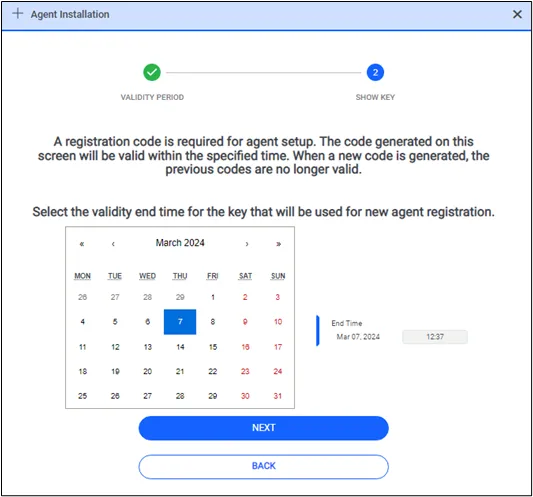
- Download the PS1 file after setting the time limit for the agent’s registration by clicking the text that reads “here” (An example of the PS1 file is provided below). Copy this file to the endpoint where you want to install the agent. Ensure that port 443 is open between the endpoint and Kron PAM servers.
When you execute the PS1 file on the endpoint, it will download the agent, allowing you to proceed with the installation. The PS1 script must be run as an administrator. If script execution is disabled on the system, enable it using the following command:
Set-ExecutionPolicy -ExecutionPolicy Unrestricted
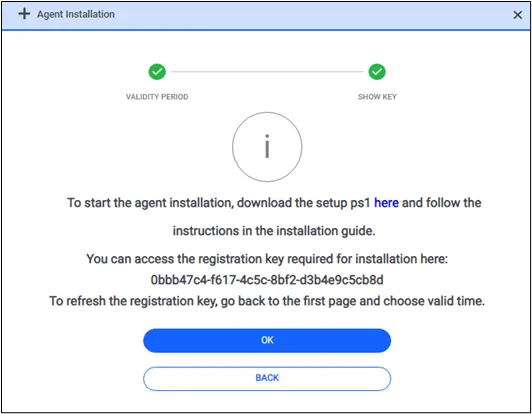
- If a non-expired token is already on the screen, you will see it on the download page. But if you need a new token, you can return to the first screen to reproduce one. Then, go to the next page to download the script again with a new token.
The agent is installed when you place the PS1 file on the endpoint and run it as a local admin.
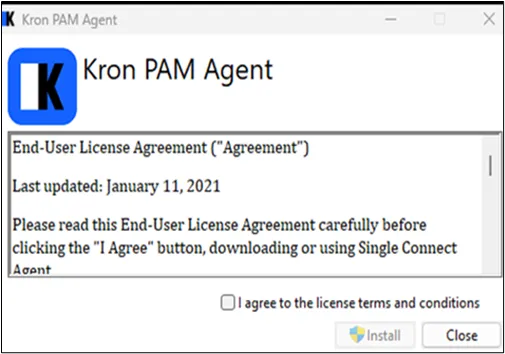
- Start the installation package and click License Agreement.
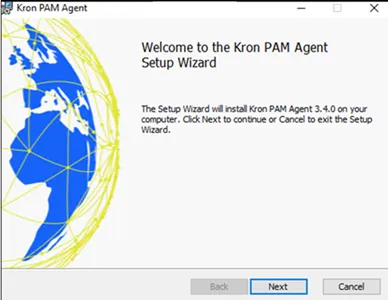
- Click Next.
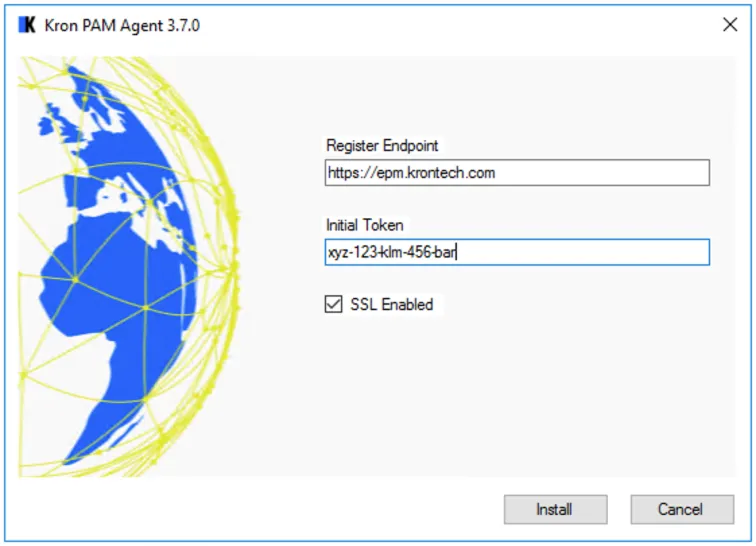
- Enter the necessary information. Then click Install.
- The Register endpoint is the Kron PAM Server. If the SSL option is active, the DNS name of one of the PAM servers should be entered instead of the Load Balancer IP.
- The initial token is the registration token that is shown on the same modal you get the ps1 file from on Kron PAM.
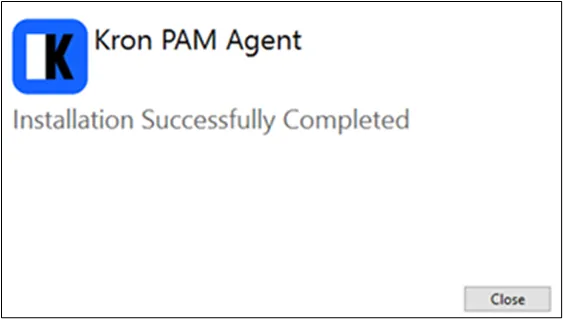
- Installation is successful.
* During installation, the agent sends the server's IP address, hostname, and OS version to Kron PAM. If the server's IP address changes at any point, the agent updates Kron PAM with the new information. From then on, the updated IP is used throughout Kron PAM, replacing the old one.
* If an agent remains offline beyond a specified time, it is automatically removed from the Agent Dashboard, along with any associated agent-specific rules. The device will then be moved to the "Unassigned Device" group in the device tree without affecting any Kron PAM-related rules. This can be configured in the System Configuration Manager, using the parameter below (measured in days):
win.agent.remove.after.expire.time = 60
* To install the agent silently on CMD please use the below command line syntax
"agent.exe" INITIAL_TOKEN= "cb6b6d7f-bebb-4463-8a6e-ca58cb168120" REGISTER_ENDPOINT="https://10.20.42.12/"
Sometimes system administrators need a powerful user who can do anything. In such cases, you need to define the parameter below in the System Configuration Management page. When a user is defined with the below parameter, this user can do anything, and they are not being policed. Such users are only logged, and this is called All Run Right.
win.agent.all.run.right = Administrator, PamAdmin, SystemAdmin