Installation
, install Windows Agent (supporting Windows Server 2016, 2019, 2022, Windows 10, and 11), you need to have an installation package. Also, on the endpoint, the .NET Framework 4.7.2 should be installed if it does not exist. To get the setup file:
Installation should be done with a user who has local admin rights.
Kron PAM’s kernel driver is not implemented for the ARM architecture. So you should not install the agents on ARM architecture.
When the installation is successful, the agent is going to take over credential provider functionality from Windows OS. And other login options can be disabled over the Agent Group configuration. So agent may be the only credential provider for Windows login operations. Local Accounts are not going to be asked to PAM and their authentication will be done by Windows via agent. AD accounts will be asked to Domain via agent.
- Navigate to Windows Agent Management and Agent Dashboard, then click the Add button.
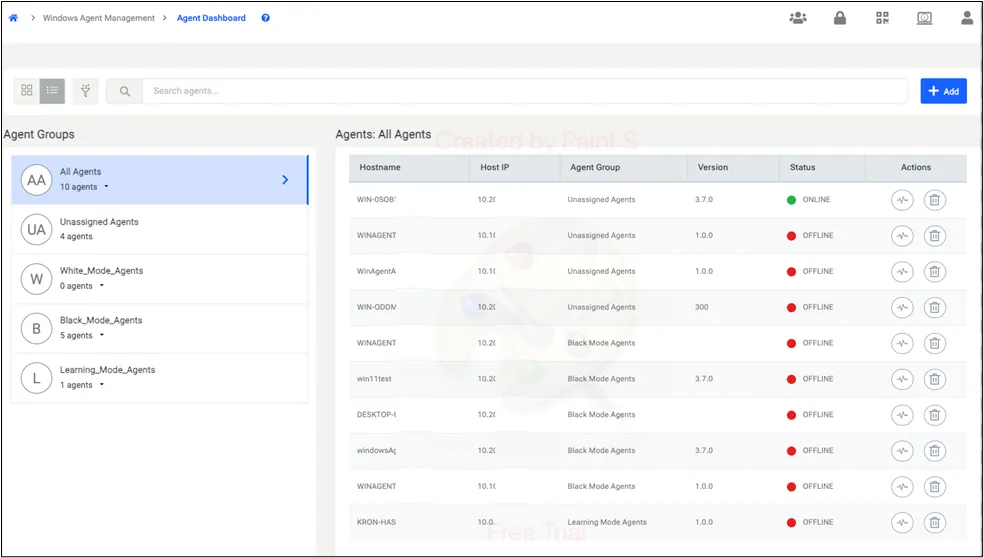
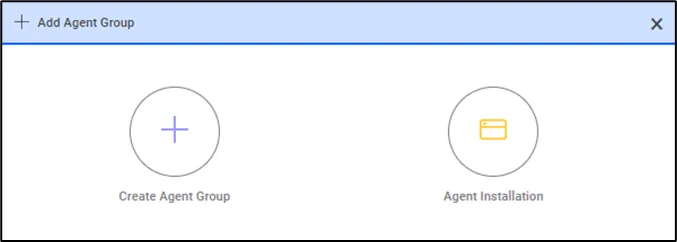
- Click Agent Installation.
- Download the PS1 file by clicking here. An example of the PS1 file is provided below. Copy this file to the endpoint where you want to install the agent. Ensure that port 443 is open between the endpoint and Kron PAM servers.
When you execute the PS1 file on the endpoint, it will download the agent, allowing you to proceed with the installation. The PS1 script must be run as an administrator. If script execution is disabled on the system, enable it using the following command:
Set-ExecutionPolicy -ExecutionPolicy Unrestricted
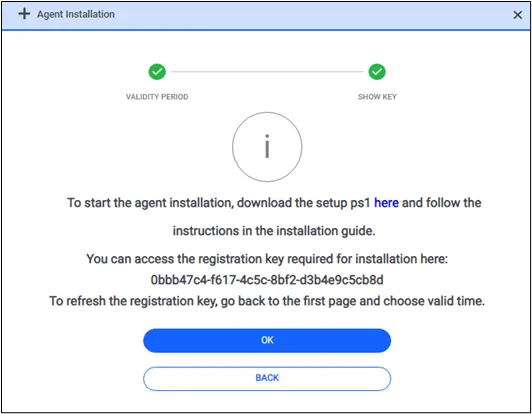
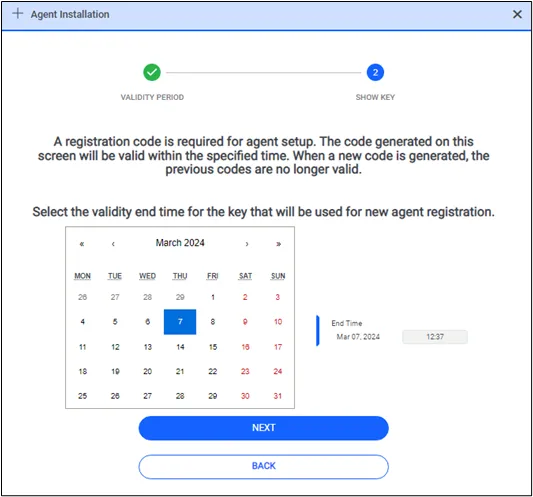
- If a non-expired token is already on the screen, you will see it on the download page. But if you need a new token, you can return to the first screen to reproduce one. Then, go to the next page to download the batch file again with a new token.
The agent is installed when you place the PS1 file on the endpoint and run it as a local admin.
- Start the installation package and click License Agreement.
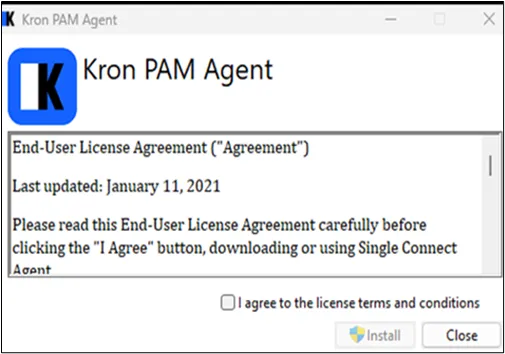
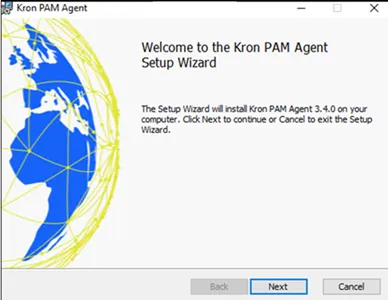
- Click Next.
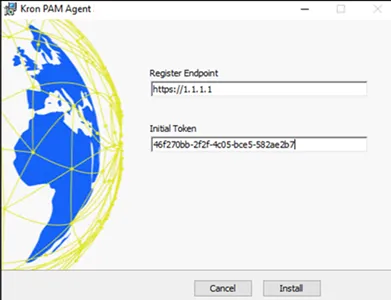
- Enter the necessary information. Then click Install.
- The registering endpoint is the Kron PAM Server
- The initial token is a registration token.
- Super Local Admin is a local admin account for all the endpoints. This account can perform any process on the server. An agent cannot block this account's actions on the endpoint, but every action of this account will be logged.
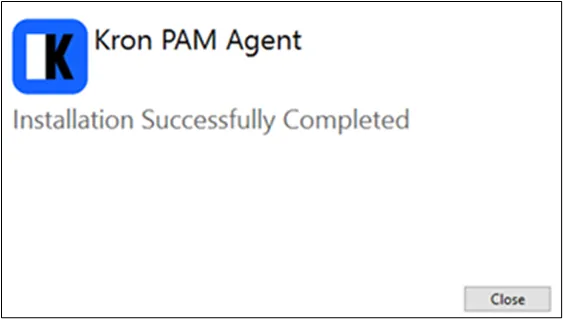
- Installation is successful.
* During installation, the agent sends the server's IP address, hostname, and OS version to Kron PAM. If the server's IP address changes at any point, the agent updates Kron PAM with the new information. From then on, the updated IP is used throughout Kron PAM, replacing the old one.
* If an agent remains offline beyond a specified time, it is automatically removed from the Agent Dashboard, along with any associated agent-specific rules. The device will then be moved to the "Unassigned Device" group in the device tree without affecting any Kron PAM-related rules. This is a configurable option set in the system configuration manager, using the parameter below (measured in days):
win.agent.remove.after.expire.time = 60
* To install the agent silently on CMD please use the below command line syntax
"agent.exe" INITIAL_TOKEN= "cb6b6d7f-bebb-4463-8a6e-ca58cb168120" REGISTER_ENDPOINT="https://10.20.42.12/"
Sometimes System administrators need a powerful user who can do anything. In these cases, you need to define the parameter below in the system configuration management page. When a user is defined with the below parameter those users can do anything, and they are not being policed just they are logged. This is called All Run Right.
win.agent.all.run.right = Administrator, PamAdmin, SystemAdmin