Advance Policy for Windows Services
5 min
Windows services can be policed via Kron PAM. Local admin users can be restricted, or normal users can have rights on the Windows services that require administrator privileges. Policies can be written for a single user or user group over an agent or agent group.
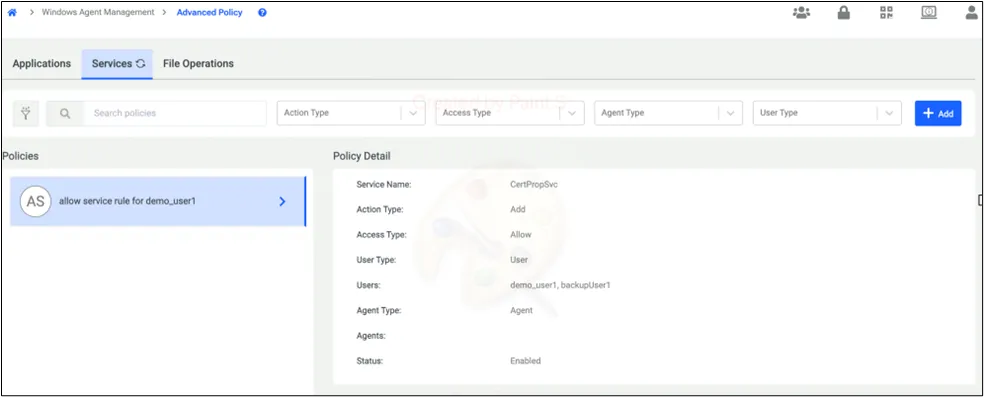
- To do that, go to the Services section of the Advanced Policy Screen.
- Click the Add button.
- Give a name for your Service Policy and choose the user or user group.
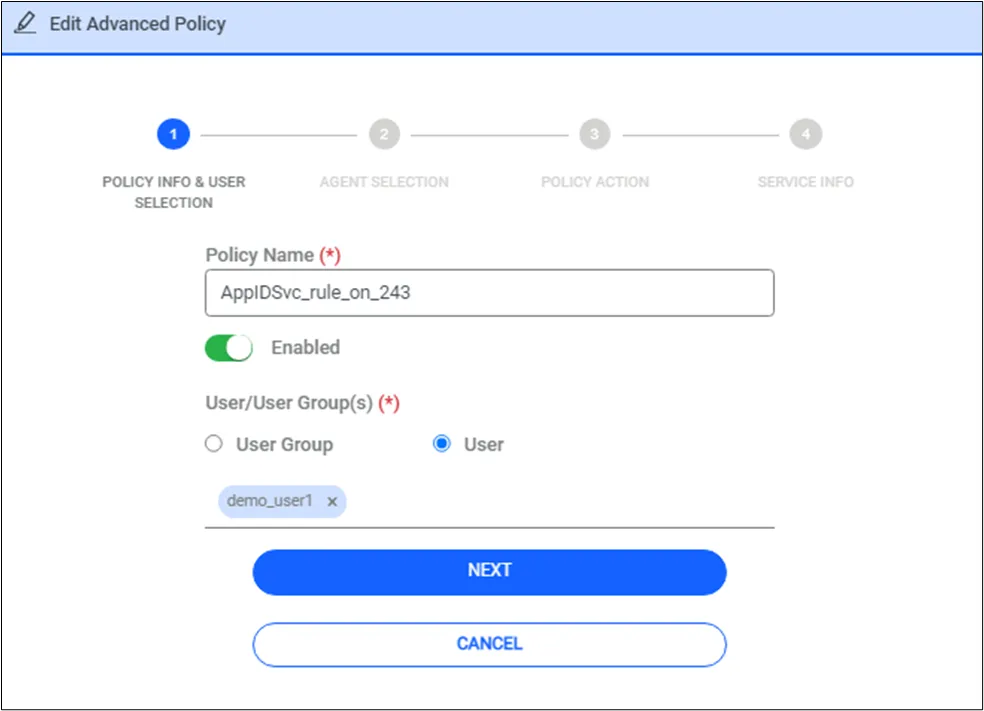
Advance Service Policy Config
Service rule can be enabled or disabled. When it is disabled rule will be reverted.
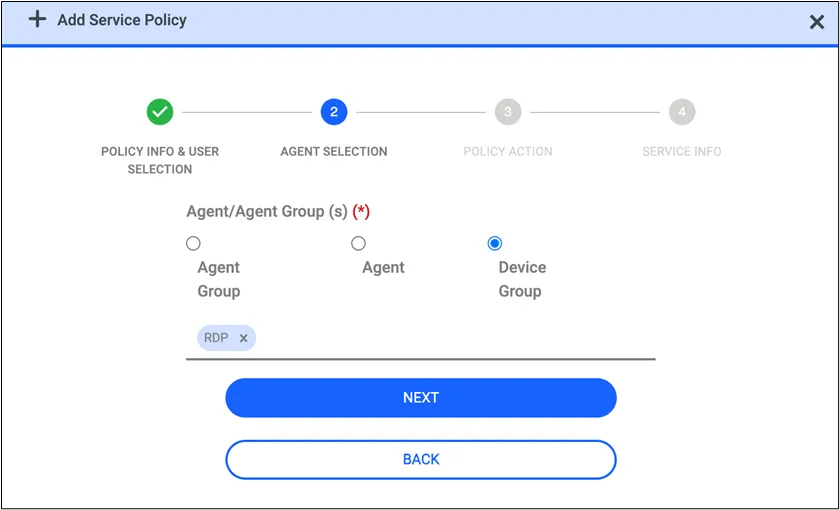
- Select the agent, agent groups, or device group.
- Choose the policy according to needs. If a user is a local administrator, you can restrict their rights with remove + allow or add + deny. If the user isn't a local administrator, you can give rights with add + allow or remove + deny. Each type is supported.
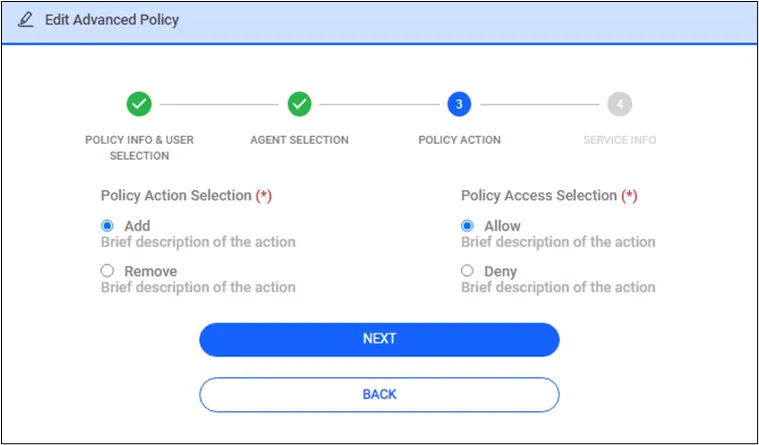
Advance Service Policy Config
- Lastly, you need to choose the service name from the drop-down menu and save the configuration.
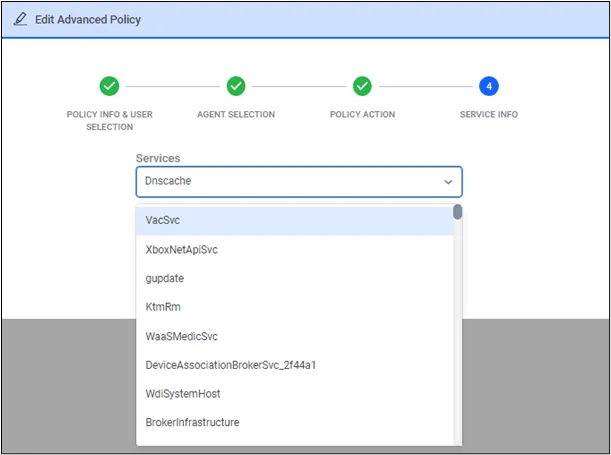
Advance Service Policy Config
* While giving rights to Windows Services, sometimes we can have errors due to Windows default Service permissions. We may not apply to given rights on Windows Services. Please check the detailed logs.