SQL Proxy Configuration for SSO
0 min
To enable SSO functionality in Kron DAM:
1. Navigate to Administration > System Configuration Manager.
2. Click the blue Add button to open the Add New System Parameter dialog.
3. In the dialog, enter the following parameter details:
a. Parameter Name:sql.proxy.user.swap.enabled
b. Parameter Value: true
4. Click Save to apply the parameter.
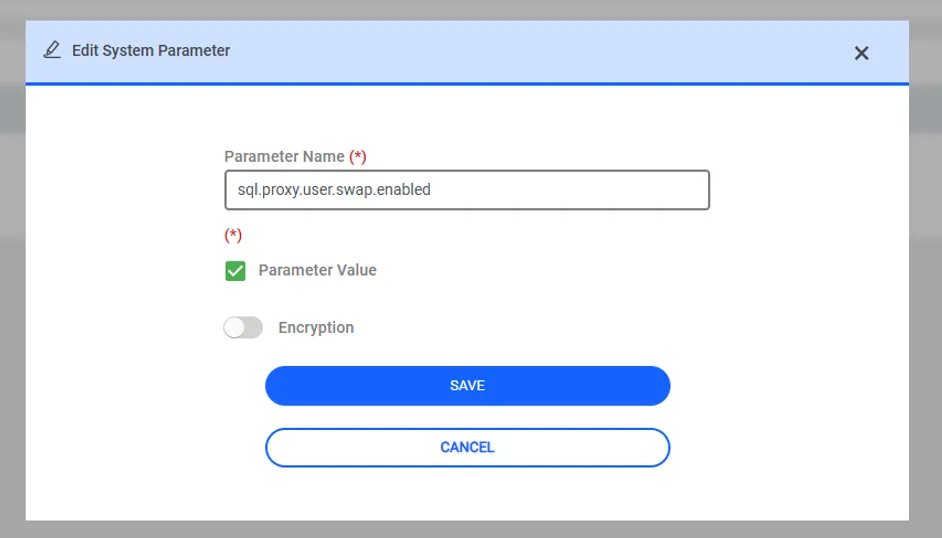
Enter system parameter name and value